Have you ever thought meal planning could be as simple as dragging a recipe into place? Imagine an app that feels like a friendly chat, offering easy ideas to help you eat better. These meal planning apps combine smart technology with everyday recipes so you can organize your week without any stress. They neatly arrange your recipes like entries on a calendar and even create a handy shopping guide. In this post, we'll explore how these tools can save you time, cut down on wasted food, and support a healthier way of eating. So, sit back and see for yourself how planning meals can be as effortless as a few taps.
Meal Planning App Overview: Core Features and Benefits
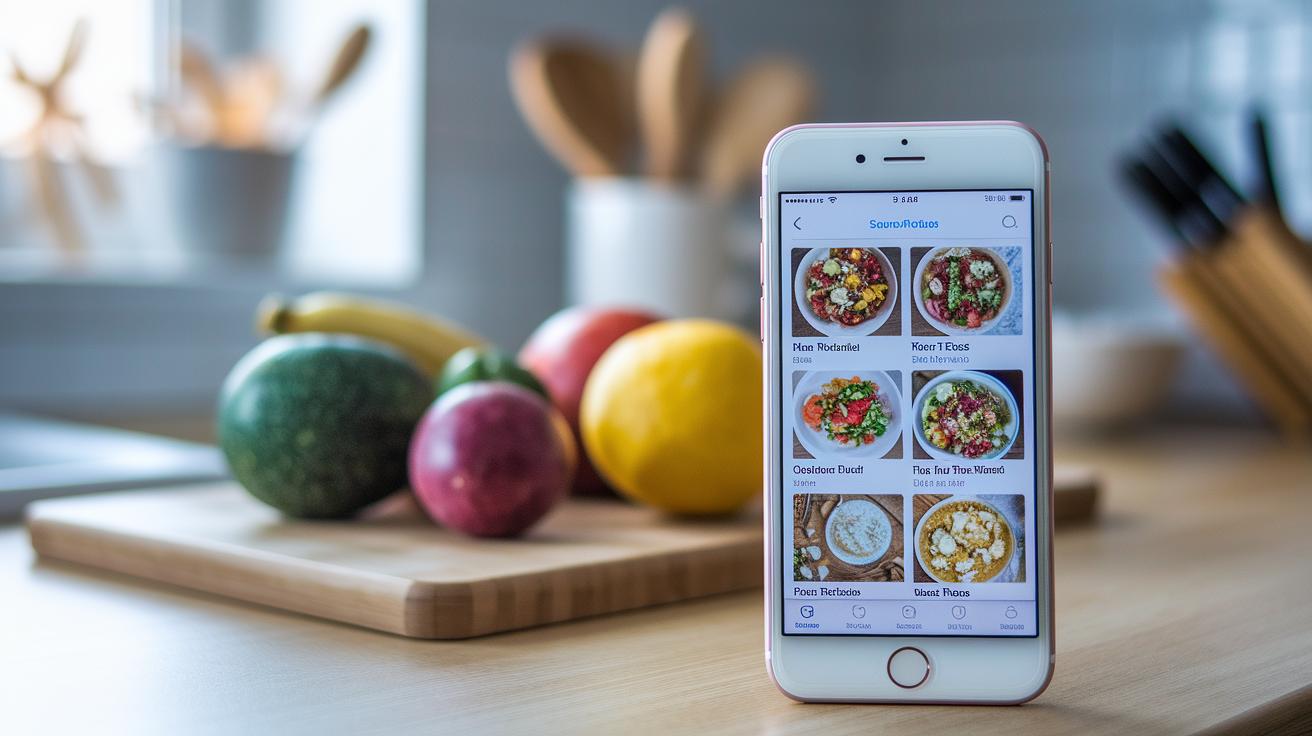
Meal planning apps mix smart tech with simple meal ideas to help you save time and cut down on wasted food. They give you a clear dashboard where you can see your upcoming recipes and what you need to shop for. Imagine glancing at a calendar that maps out your week’s meals, almost like a friendly guide offering helpful tips along the way.
These apps work like interactive calendars for your meals. You can easily assign recipes to specific days, making planning feel effortless. And with a handy drag-and-drop tool, shifting a meal here or there is a breeze. One cool feature lets you import recipes right from a link, picture your family’s favorite chili added instantly to your plan with just a simple paste.
Another big plus is the automatic shopping list tool. When you set up your meals, the app gathers all the needed ingredients and sorts them into groups like fridge or pantry items. Some apps even offer daily trackers for fruits and vegetables, helping you stick to healthy eating goals. With options like vegetarian, low-fat, or gluten-free, you can tailor your plan to fit your lifestyle, keeping the stress of meal planning at bay while encouraging a healthier way of living.
Meal Planning App Comparison: Top Free Apps
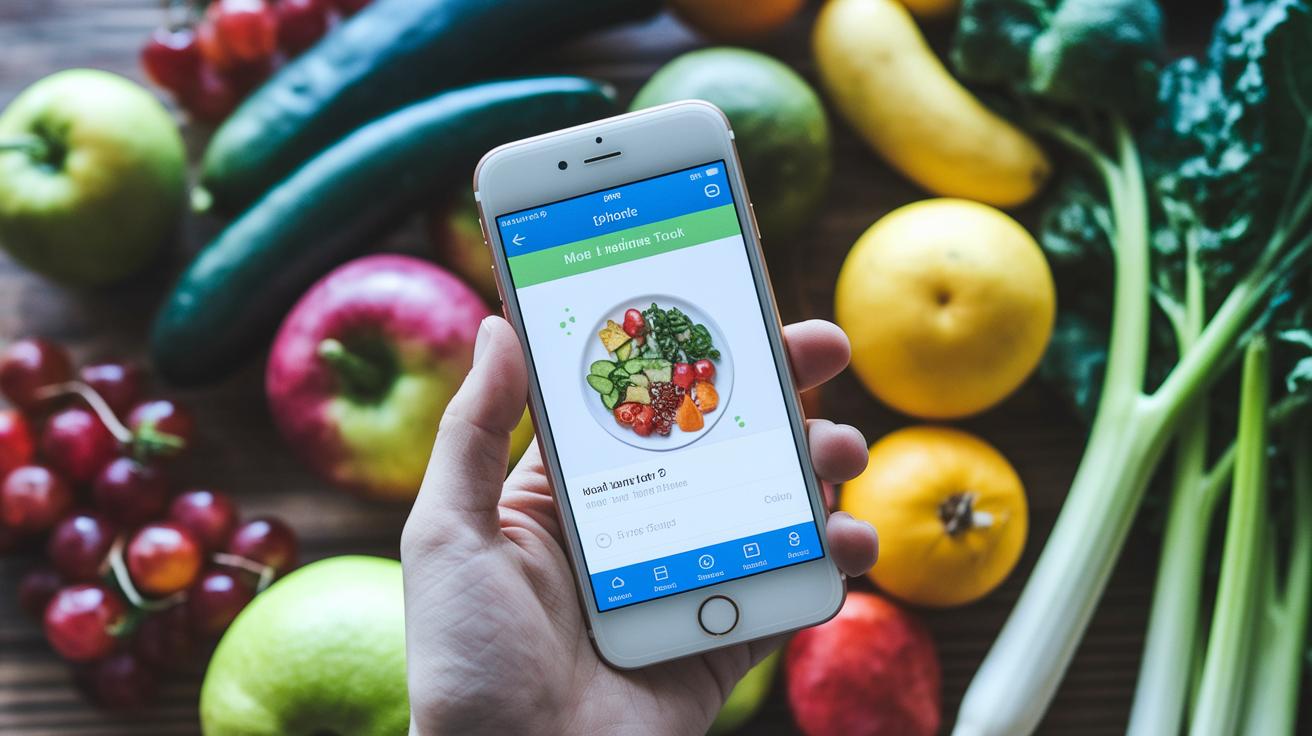
NHS “5 A DAY” is a neat tool that helps you keep an eye on your daily fruits and vegetables. It lets both adults and kids adjust settings and sorts meals into light meals, packed lunches, main meals, and value meals. And the best part? It even shows a daily counter that ticks up with each healthy bite. Imagine that, each number reaching a new mini victory!
Tesco’s free planner gives you plenty of options when it comes to planning your meals. You can choose a ready-made plan, tweak one that already exists, or build your own from scratch. It even has a cool surprise meal feature, a button that says “surprise me” and suggests a dish you might not have thought of. Plus, it sorts recipes using diet filters and sends your choices straight to Tesco’s shopping basket.
Pepperplate is all about making recipe management simple and fun. You can import recipes via a URL or type them in by hand. It even adjusts the ingredients for different serving sizes and neatly gathers items from several recipes into one organized shopping list.
Say Mmm connects with Evernote and brings some handy extras like a calorie counter and cost estimates. It offers pre-made meal plans and filters recipes by cooking time and ingredients, making it easy to find something that fits your day.
| App | Main Features |
|---|---|
| NHS “5 A DAY” | Tracks fruits and veggies; clear meal categories; daily counter |
| Tesco’s planner | Ready-made plans; surprise meal button; diet filters; shopping basket sync |
| Pepperplate | Recipe imports; serving adjustments; ends up with a consolidated shopping list |
| Say Mmm | Calorie tracking; cost estimates; pre-made meal plans; search filters |
Meal Planning App Review: Leading Premium Options
Paprika is a clever way to plan your meals. With its free version, you can save up to 50 recipes from any website, ideal for collecting those cherished family recipes. When you upgrade, the limits vanish, and it turns into a full nutritional planner that easily tracks your recipes and ingredients. Imagine copying a blog link and instantly adding your family’s secret lasagna recipe!
Mealime is made for quick, healthy choices. It creates a weekly plan with recipes you can whip up in 30 minutes. Plus, it automatically syncs a shopping list with services like Amazon Fresh or Instacart. Picture your meals neatly planned so you spend less time organizing and more time enjoying good food.
Whisk is a standout free app that lets you tailor your recipes just how you like them. It works like a custom menu planner with handy tutorial videos and a grocery sync feature that makes cooking a breeze. One tap gives you a video guide on a new dish while the app builds your shopping list.
Eat This Much dives deep into personalization. It sets up meal plans using your calorie goals, dietary choices, and even items from restaurant menus by considering details like your height and weight. This app creates a meal plan that fits your unique lifestyle and taste.
MealPrepPro is great for those who like to plan ahead. It generates recipes based on your prep skills, how many meals you need each week, and any allergy information you have. It also puts together complete grocery lists and nutritional details. And then there’s Cooklist, which helps reduce food waste by keeping track of expiry dates in your pantry, freezer, or fridge, suggesting meal ideas based on what you already have.
Meal Planning App Integration Capabilities
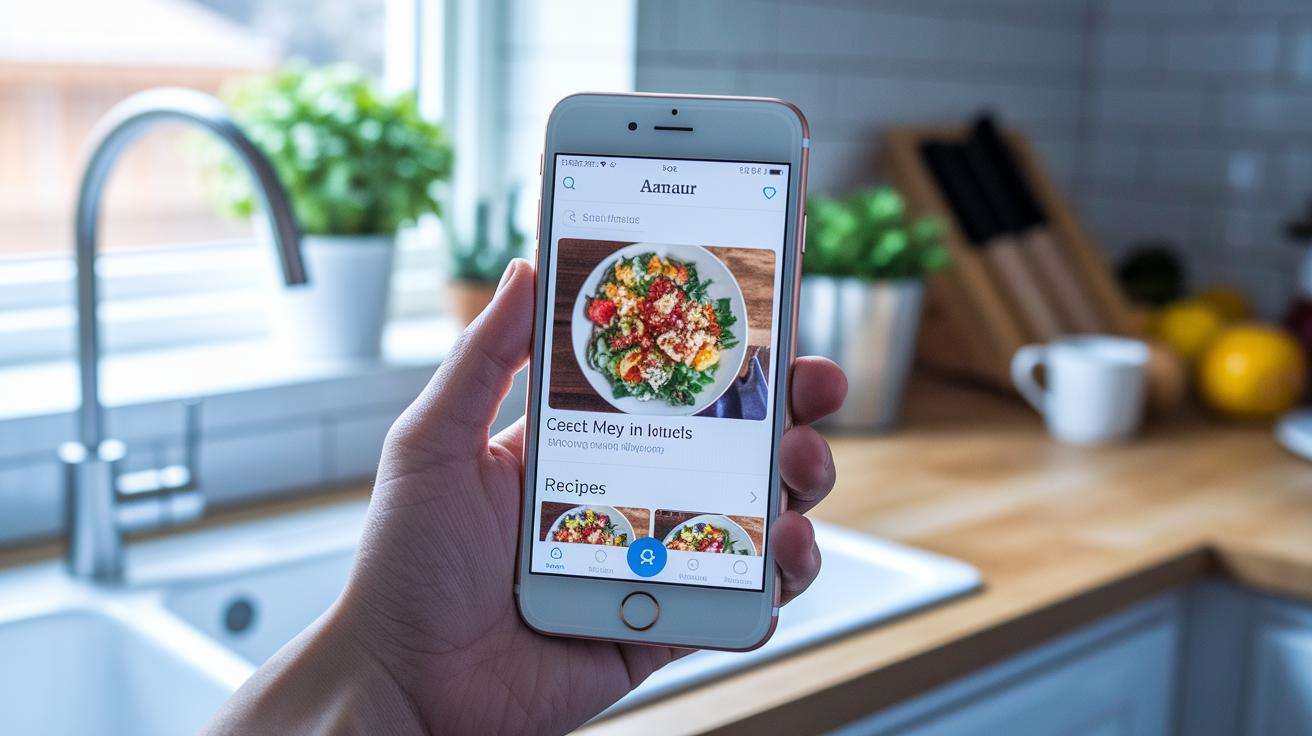
Meal planning apps have moved beyond simply syncing with grocery stores or calendars. Developers today are raising the bar for syncing data, so your recipes, shopping lists, and schedule updates all follow secure rules across different tools. It’s like your cooking plans and digital devices greet each other with a friendly handshake.
We all worry about privacy. Newer apps now use strong encryption to keep your meal data safe while letting you share details easily between your phone, tablet, and computer. Imagine your cooking details locked up tight, making you feel secure every time you plan a meal. A few apps even found that users felt twice as safe when their meal plans were protected with these techniques.
Sometimes, your devices might not play nicely together, causing a few bumps in the road. Developers are fixing these issues by testing for compatibility and using standard syncing methods. This means you can trust that your shopping lists and recipes will move smoothly from one device to another.
| Aspect | Detail |
|---|---|
| Industry Standards | Uniform data syncing protocols improve compatibility across platforms |
| Privacy | Encryption and secure data handling protect your meal planning information |
| Inter-operability | New compatibility checks smooth out issues across devices |
| Future Enhancements | Smart tech like AI may soon predict your needs for even smoother meal planning |
Thanks to unified protocols, syncing is more efficient. Strong encryption keeps your meal plans safe. Better compatibility makes sure all your devices work together without glitches. And with smart AI features on the horizon, planning meals might soon get even smarter.
Emerging trends hint at future enhancements in meal planning apps that will make your daily tasks even simpler.
Meal Planning App Interface and Ease of Use
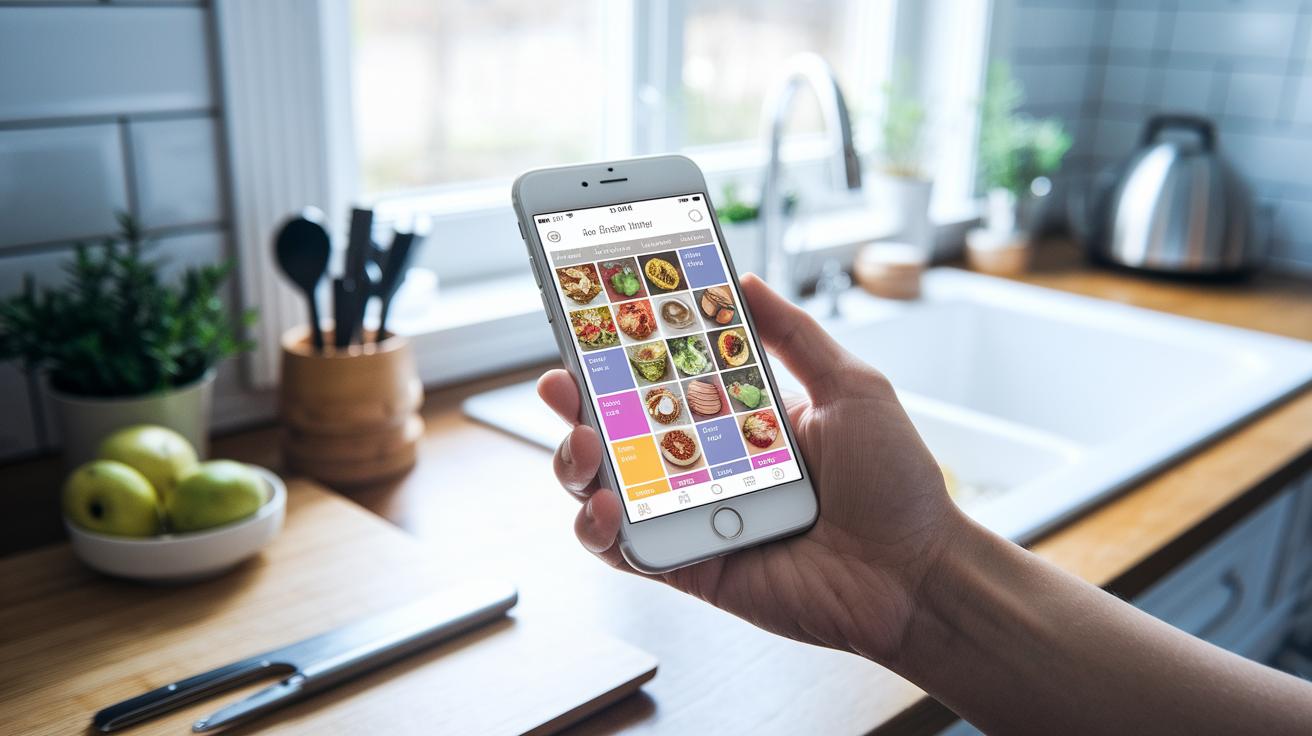
Cooking can feel easy when your meal planning app is simple and clear. Paprika has a neat design that helps you collect, sort, and plan your recipes for different days. Many people say its layout makes planning meals feel like a smooth, organized routine.
Mealime is another great app that walks you through the process. You answer a few friendly questions, and then your perfect menu for the week appears. This way, you leave the guessing behind and can focus on cooking tasty food.
Whisk makes things even simpler by showing new users step-by-step tips on how to use each part of the app. And if you are always on the go, Say Mmm is a smart choice. It has a mobile-friendly shopping list that lets you check details on your phone whether you're in the kitchen or at the store.
Many of these apps come with useful tools like calendar planners that let you drag and drop recipes, along with searchable recipe libraries. You can easily move a recipe from one day to another, change your plan, or even print your list. These features help you stay organized and keep both your shopping and meals running smoothly.
Choosing Your Ideal Meal Planning App

Before settling on an app, take a minute to think about what matters most to you. Are you trying to cut down on spending, shed a few extra pounds, stick to certain diets, or plan family meals more easily? Experts say writing down your goals first can really help. Imagine you need an app that not only tracks weight loss but also balances your meals. Ask yourself, "Do I need a tool that organizes my grocery list and tweaks recipes to meet my calorie needs?"
Here’s a simple checklist to guide you:
- First, figure out your main goal. Is it budgeting smartly, losing weight, eating a balanced diet, planning meals holistically, or tracking specific goals?
- Next, list your must-haves. Think about things like cost, the size of the recipe library, grocery features, and how much time you spend preparing meals.
- Also, consider convenience. Would an app that works on multiple devices and offers helpful customer support be best for you?
- Then, plan on trying out a few apps. Free trial periods can show you which one feels right.
- Finally, peek at real user reviews. They can reveal details about how often the app updates and how quick the support is.
Imagine dialing in your preferences, saving money, reducing trips to the store, and still enjoying fun and healthy meals. Testing a couple of different apps can help you find that friendly interface that checks all your boxes. This way, you'll discover a meal planning app that makes healthy eating effortless and enjoyable.
Tips for Maximizing Meal Planning App Efficiency

Planning all your meals at once can really save you a ton of time. Instead of figuring out dinner every day, set aside a little moment each week to map out your meals. Picture this: your app shows your full week's menu with just one smooth swipe.
Using a template week is a smart idea. Build a plan that fits your everyday life and tweak it when you're in the mood for something new. This approach nudges your smart list builder to work better and keeps those busy days free from extra stress.
Sharing your meal plans with family through a shared account makes everyone feel involved. It even lets you automatically adjust portion sizes for leftovers so you waste less and always have a balanced plan.
Here are some tips to keep things running smoothly:
- Plan all your meals at once for a clear overview.
- Use template weeks and add personal touches with filters and search tags.
- Rely on automated shopping list builders so you never miss an ingredient.
- Update your pantry log often to spark new recipe ideas.
Give these tips a try and enjoy a hassle-free path to healthier living.
Final Words
In the action, this post explores how a meal planning app can simplify scheduling, storing recipes, and organizing shopping lists.
It reviews free and premium options, highlights seamless integrations, and shows how ease of use can make meal planning fun.
With these key tips, managing healthy meals becomes more straightforward and enjoyable.
Keep trying new methods, and let this guide spark ideas for a balanced lifestyle.
FAQ
What is a free meal planning app with a grocery list?
A free meal planning app with a grocery list combines recipe management, meal scheduling, and automatic shopping list creation. It helps you organize meal ideas while saving time during grocery trips.
What features define the best meal planning app?
The best meal planning app offers personalized recipe suggestions, grocery integration, and user-friendly scheduling tools. It simplifies meal organization, reduces food waste, and supports healthy eating choices.
What makes a meal planning app ideal for families?
A family-friendly meal planning app provides shared calendars, customizable grocery lists, and features tailored to diverse dietary needs. It makes coordinating meals with busy schedules straightforward and stress-free.
Are there meal planning apps available for Android devices?
Meal planning apps for Android provide mobile-friendly interfaces, interactive calendars, and grocery sync options. They offer robust planning tools that fit perfectly into the busy rhythms of daily life.
What feedback does the Reddit community offer about meal planning apps?
The Reddit community highlights honest app reviews, practical tips, and shared experiences. Users point out both handy features and improvement areas, helping new users find apps that match their needs.
Which meal planning apps suit those aiming for weight loss?
Meal planning apps for weight loss typically include calorie tracking, portion control, and healthy recipe filters. They help you manage eating habits, support dietary goals, and offer balanced meal suggestions.
Can ChatGPT create a meal plan?
ChatGPT can generate a meal plan outline based on your dietary preferences and guidelines. It offers creative suggestions, although it lacks grocery syncing and direct app integration features.
Does MyFitnessPal handle meal planning functions?
MyFitnessPal primarily tracks calories and nutrition rather than full meal planning. It assists with monitoring food intake but does not offer comprehensive scheduling, automated grocery lists, or detailed recipe management.
How do you create a weekly meal plan using an app?
To create a weekly meal plan, choose recipes, assign them to specific days, and let the app generate a grocery list. This organized method simplifies meal prep and keeps your eating habits on track.