Have you ever noticed how a few slow, deep breaths can brighten your mood in just a few minutes?
A breathing timer app is like a friendly guide that helps you pause and catch your breath on even the busiest days.
It offers settings that work with your natural pace, so you can choose a quick pause or enjoy a longer, soothing break.
This little tool helps match breathing exercises to the rhythm of your day, easing stress and letting your thoughts settle like leaves on a gentle stream.
Try out these simple, custom breathing moves and see if you can find a new way to feel calm and refreshed.
Mindful Breathing Timer App: Embrace Calm Now
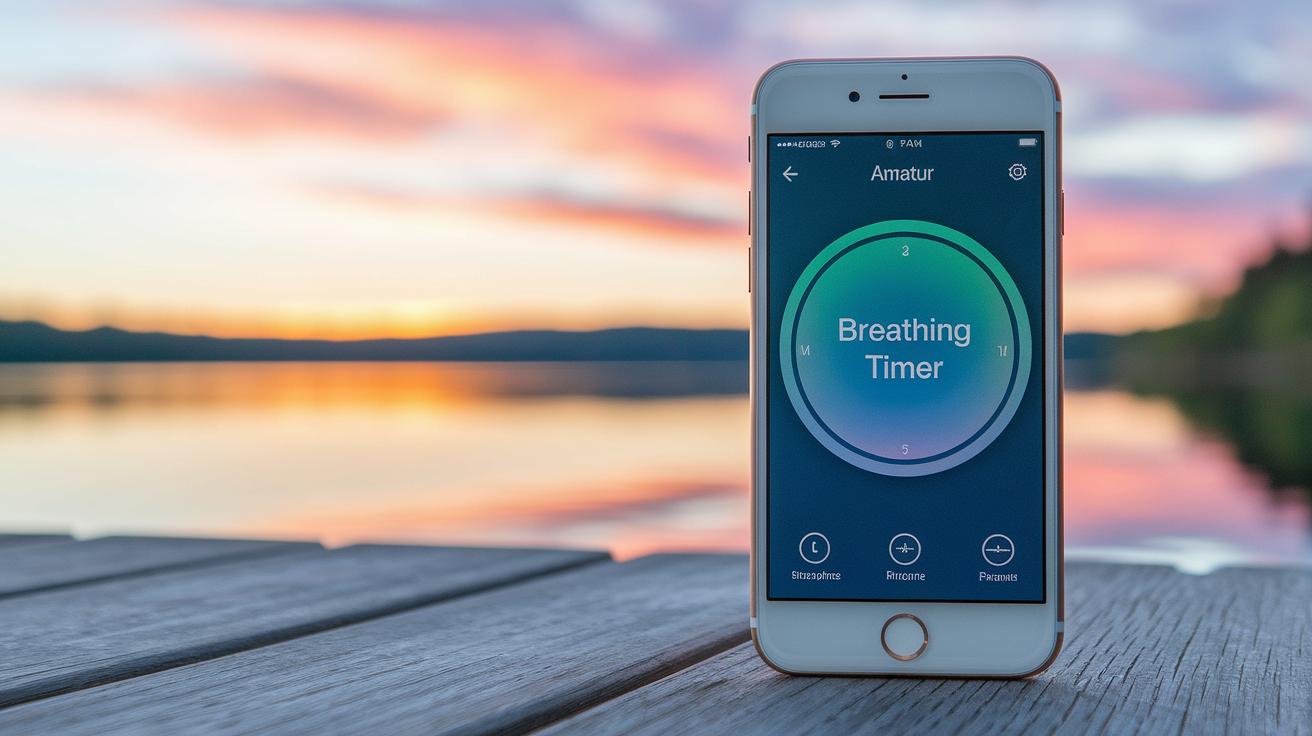
Imagine using a mindful breathing timer app that lets you set your own breathing pace in a simple, flexible way. Apps like Breathe2Relax and Universal Breathing help you choose the rhythm that works for you. For instance, you might decide to breathe in for 4 seconds and out for 6 seconds, helping to ease tension on a busy morning. This kind of control over each breath can help lower anxiety and boost your focus.
Many of these apps offer different session lengths to match your day. Whether you need a quick reset during a hectic work break or a longer session to truly sink into calm, you can pick the option that fits best. A short burst might give you a fast lift, while a longer session lets you dive deeper into a peaceful state.
The apps also provide handy visual and sound cues that guide your breathing. For example, Paced Breathing shows a pulsing circle and plays gentle chime sounds to signal when to breathe in and out. Other apps, like Calm and Breathing Zone Calm, mix in soothing meditations or quiet sleep sounds, making the experience even more relaxing.
Some platforms, such as Headspace, combine easy mindfulness lessons with soft background sounds to help you focus. Meanwhile, iBreathe offers a clean design that lets you concentrate without distractions. With custom breathing patterns, varied session times, and gentle cues, these tools support mindful breathing that can lift your mood and help you feel better each day.
Customizing Inhale and Exhale Cycles in Your Breathing Timer
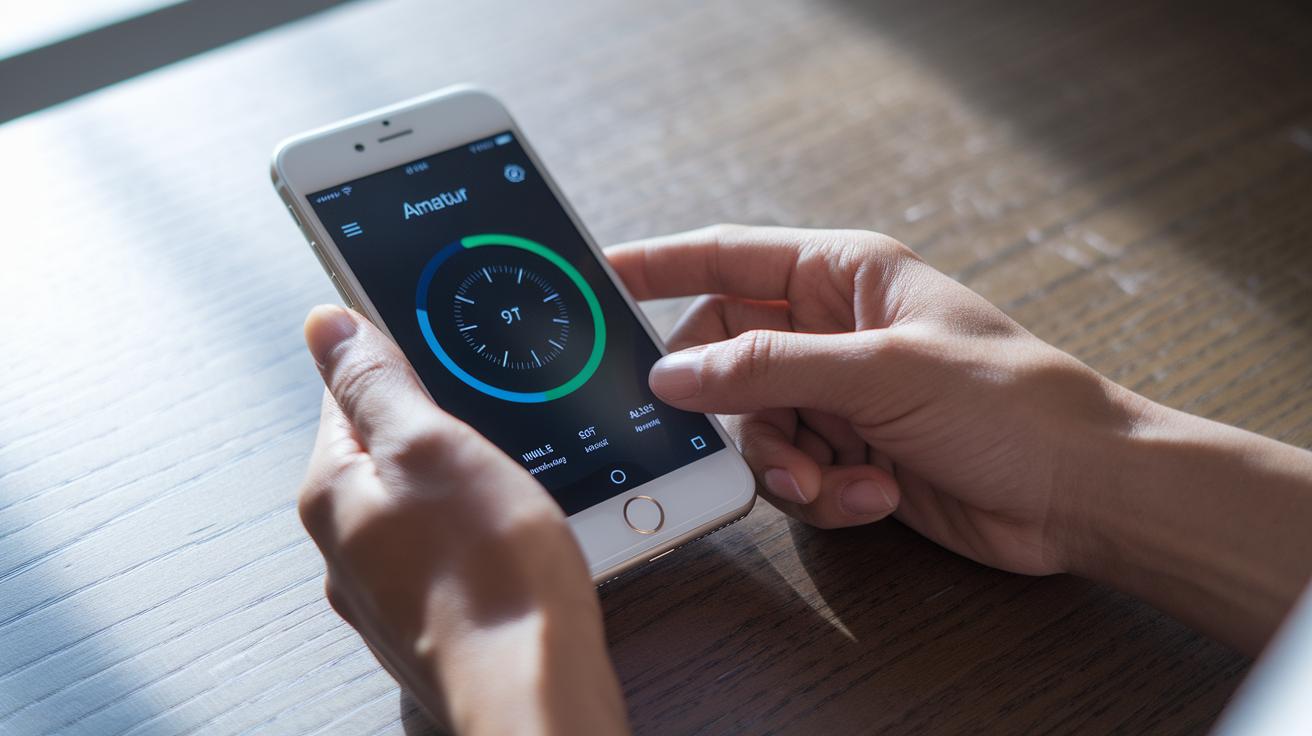
Have you ever thought of setting up a breathing timer that feels just right for you? A smart breathing app lets you design your own rhythm, so you decide how long to breathe in, hold, breathe out, and pause. Imagine a tool that helps you adjust your inhale time based on what you need in the moment. Many apps let you fine-tune each breath, like choosing a simple box pattern where every part is equal. Did you know that ancient breathing techniques have been refined over centuries to bring balance to body and mind?
Universal Breathing shows you basic Pranayama techniques (that's a kind of yoga breathing) while tracking your progress along the way. And then there's Breathwrk, which teaches you deep, box, and diaphragmatic breathing. These features let you change your breathing pattern to help ease stress or calm anxiety. By setting up a system for your exhale phases, you can choose longer or shorter breaths to soothe your body.
Apps such as Prana Breath use yoga-inspired steps to help you build a calming routine. Othership mixes music with breathwork by offering styles like Wim Hof, Kundalini, and coherent breathing. This unique blend of sound and rhythm can add a special touch to your session. Breathe2Relax offers simple ways to manage stress and anxiety with adjustable inhale and exhale times that suit your mood or the time of day.
By organizing these easy breathing schedules, you can build a daily system that fits your needs, whether you’re getting ready for a busy day or winding down at night. Try out built-in patterns like box or 4-7-8 and see which one helps center your mind and body.
Setting Session Lengths with a Breathing Timer App
Relax Lite offers a neat five-minute routine that works great on busy days. It fits right into your schedule when time is short. Breathless Academy App gives you daily practice to balance your mind and body, so you can enjoy a calm break no matter how hectic your day is. Simple Habit stands out by letting you choose sessions lasting anywhere from 5 to 20 minutes, perfect for a quick relax or a deeper calm when you need it.
Paced Breathing walks you through brief, step-by-step tutorials to master breathing techniques. For example, start with a simple 3-minute guided session to get comfortable with your breath's natural rhythm. And if you're in a rush, iBreathe is set up for a fast restart with its single-session timer. I once used it on a hectic morning, and it helped me feel centered in just moments.
Each app is designed to meet different schedules and needs, blending unique features that support both quick breaks and longer sessions.
Enhancing Calm with Visual and Audio Cues in Your Breathing Timer App
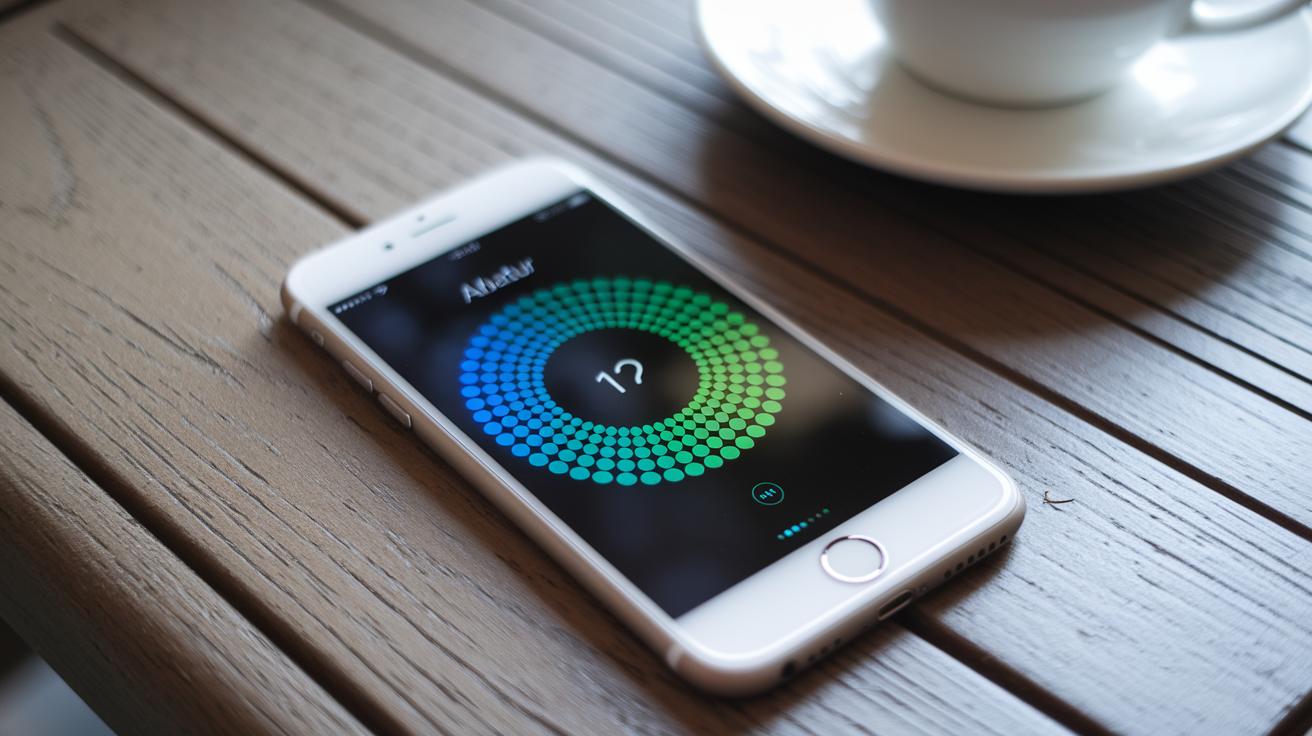
When you're working on your breathing sessions, simple visuals and sounds can really help you stay relaxed and focused. Many apps use a pulsing circle or gentle chime sounds to help guide your breath, but the real gem here is the live visual feedback in Universal Breathing. Imagine a progress bar that changes colors in real time, like turning from blue to green as you finish an inhale or exhale, letting you know you're keeping in sync with your breathing pace.
Other apps might include ambient soundscapes or guided cues, but we're focusing on what makes Universal Breathing special. Its live visual feedback gives you clear details that motivate you to keep a steady rhythm.
| Feature | Description |
|---|---|
| Live Progress Updates | The on-screen bar shifts colors in real time to show that each breath is on track. |
| Color-Coded Feedback | Changing colors guide your breathing, making it easy to know you’re in rhythm. |
This way of providing instant feedback not only makes things more engaging, but also helps you stay calm and fully in the moment during your breathing practice.
Navigating the Interface of Your Breathing Timer App to Track Progress
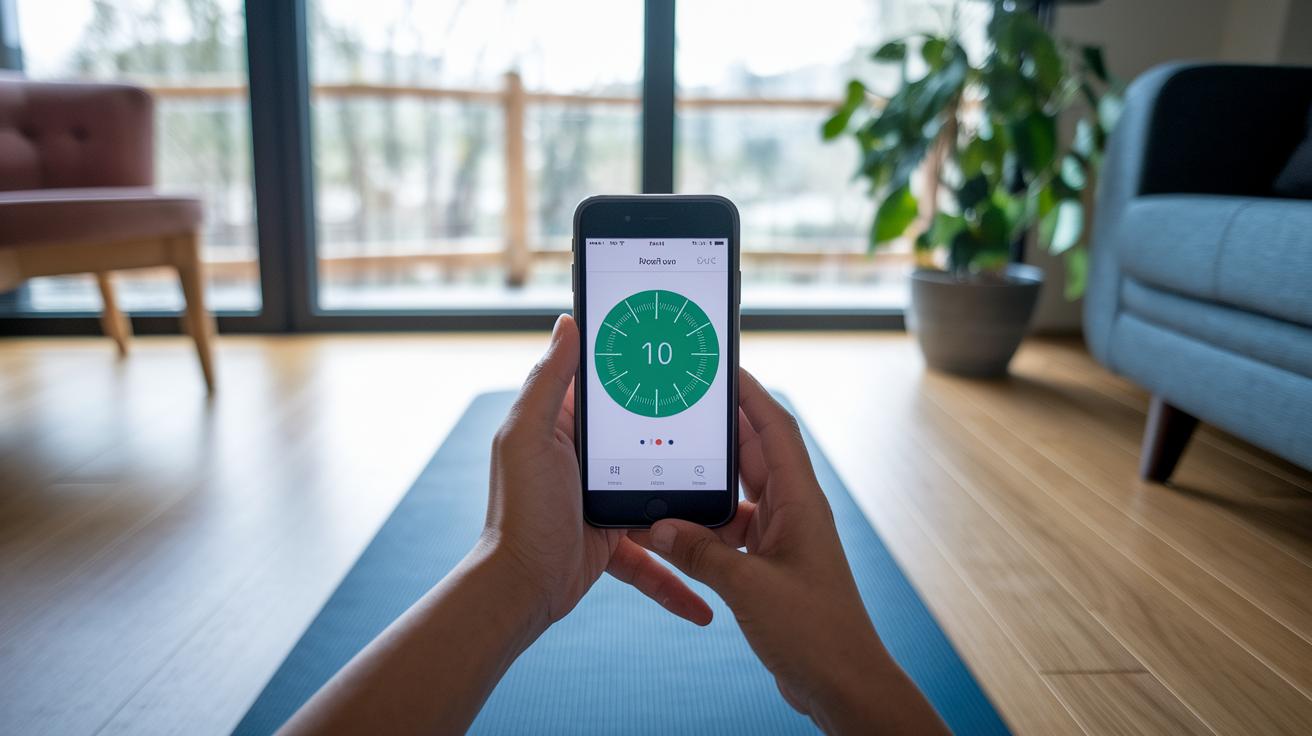
Using a breathing timer app can really boost how you track your practice. Take iBreathe, for example, it has a simple, clean look that keeps distractions away, so you can really focus on your breathing. Breathwrk even shows you easy-to-read details like session length and breathing cycles, giving you a clear picture of how you’re doing.
Othership goes a step further by offering real-time cues that let you know just when to change your breathing phases. With these live updates, you can tweak your rhythm on the fly to keep each inhale and exhale smooth and steady. And with Paced Breathing, you even get a visible countdown to your next phase, helping you maintain a steady pace.
All these features, progress bars, phase indicators, and history logs, come together to create an encouraging setup that makes it easy and fun to monitor your breathing practice.
Integrations and Reminders in a Breathing Timer App for Consistent Practice
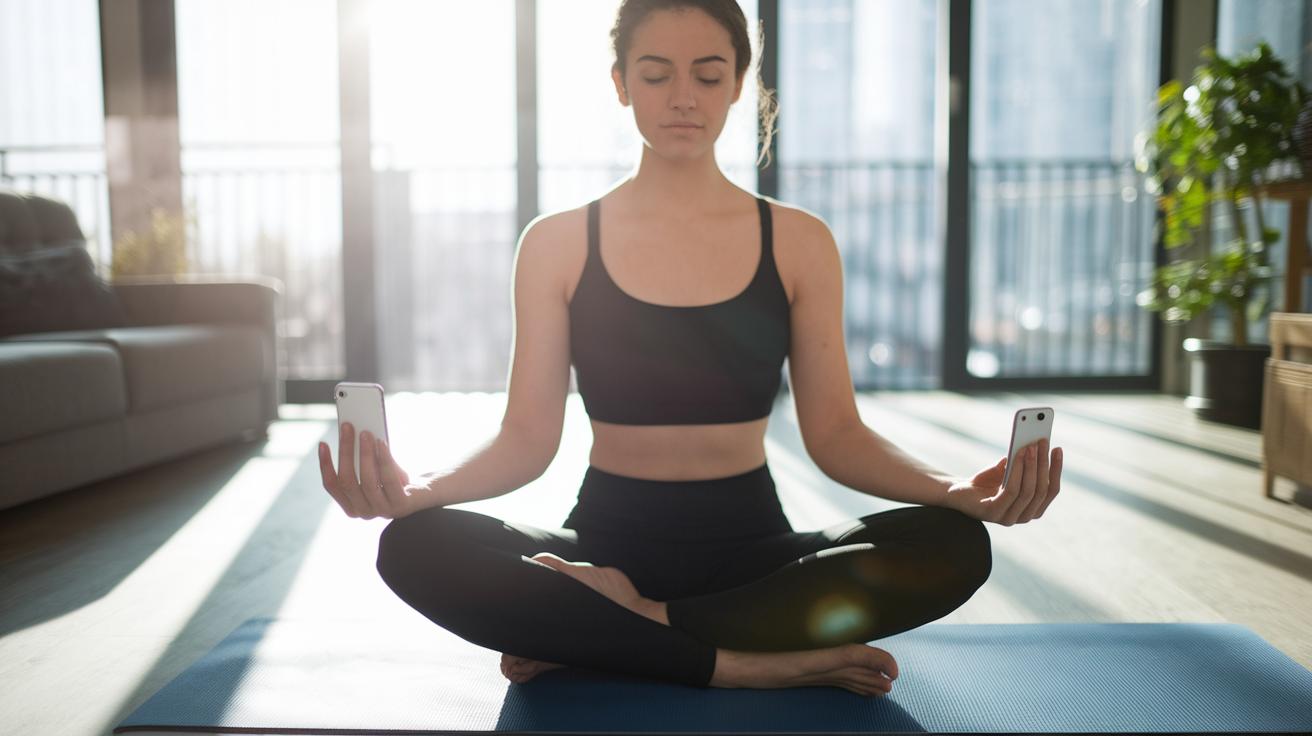
A smart breathing timer app makes taking a mindful pause even better by connecting with other health tools. Many apps add calendar signals and sync with meditation libraries, helping you tackle stress anytime during your day. With built-in reminders, you get gentle nudges to stop, breathe, and re-center when you need it most.
Headspace, for example, blends its breathing timer with guided meditations, sleep soundscapes, and daily check-ins. This lets you easily switch from a quick break to a full guided session. Calm works in a similar way by linking its timer with a meditation library and sending push alerts to remind you when it’s time to breathe. Open: Breathwork + Meditation for iOS even ties in insights from brain science (neurobiology is the study of the brain and its functions) with custom prompts that keep you on track. And there’s Paced Breathing, which has earned recognition in a well-known paced-breathing book, showing how helpful these connections can be.
All these features form a reminder system that makes it easier to keep up with mindful breathing. They turn a simple pause into a steady, health-boosting habit that eases stress and supports your well-being.
Tips for Maximizing Your Mindful Breathing Timer App Experience
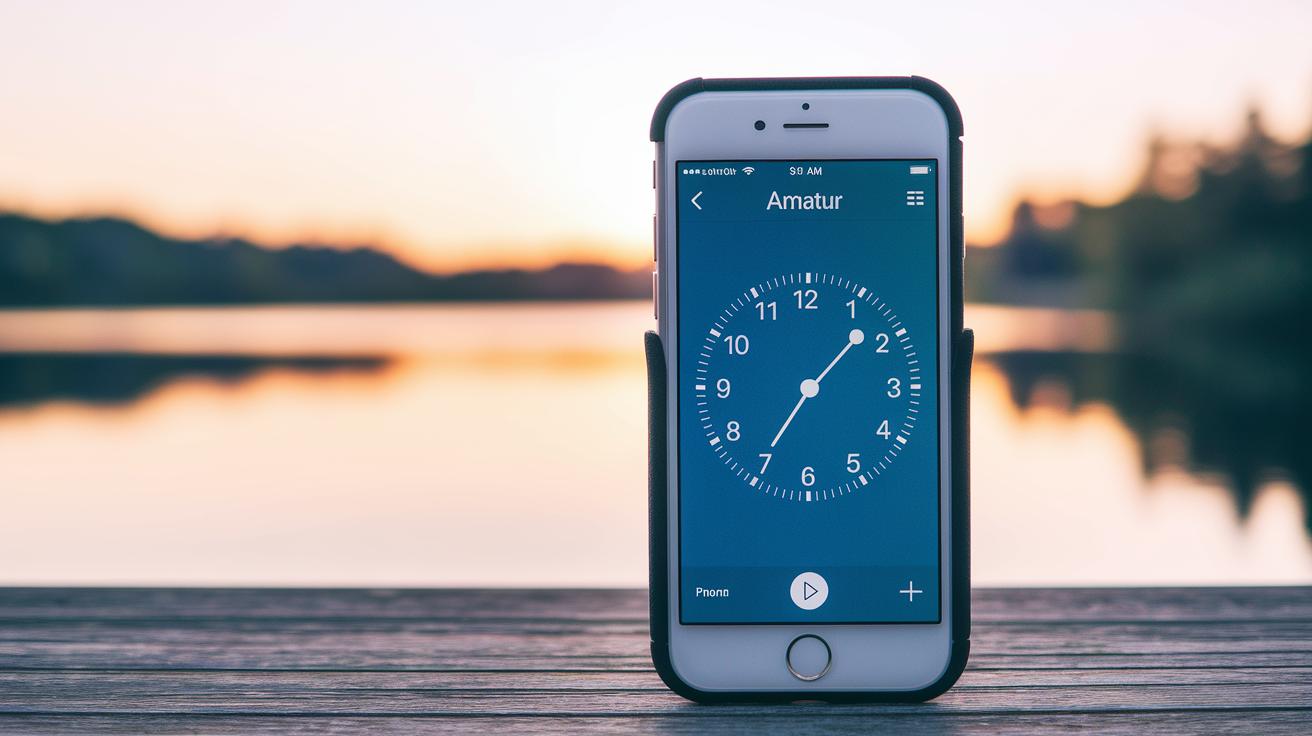
Start by setting a daily reminder. Pick a time each day, like 8 a.m., to nudge yourself into a short mindful break. This gentle prompt can help you reset your focus after a hectic night.
Next, try experimenting with brief sessions. Begin with just 5 minutes; let it be a small, calming pause before you start your day. I remember when I first tried a quick five-minute session before my morning routine, it helped me feel way more centered throughout the day. Keeping track of your progress, either with the app or in a simple handwritten journal, lets you see how your inner calm grows over time.
Then, play with different breathing patterns. Mix in methods like box breathing (when you breathe in, hold, exhale, and hold again evenly) or the 4-7-8 technique (breathe in for 4 counts, hold for 7, and exhale for 8). Count your breaths, adjust your timing, and consider blending these practices with a bit of mindfulness or even yoga. This hands-on approach not only clears your mind but also helps reduce stress and makes your routine truly yours.
Choosing the Right Breathing Timer App for Your Routine
When it comes to deep breaths, everyone's idea of relaxation is a little different. Maybe you love hearing clear voice guides while you breathe, making a guided meditation style app, like Headspace, a perfect fit for you. On the other hand, if watching gentle, pulsing visuals helps you stay focused, an app with calm, moving circles might be just what you need.
Think about what really transforms a simple breathing exercise into a peaceful pause in your day. Is it the ability to adjust the cycles just for you, or do you prefer soothing sounds that calm your mind? Your choice is personal, and that makes picking the right app both a simple and unique journey into better wellbeing.
Final Words
In the action, this article walked through selecting features like customizable inhale/exhale cycles, session lengths, and calming visual and audio cues. It explained how clear interfaces and smart integrations can boost your practice and help you stay centered throughout each session.
Each tip highlights a simple way to build a steady routine and lower stress. The insights make trying out a mindful breathing timer app feel natural and encouraging for a healthier, more balanced life.